![eligo_logo-bicolor-1.png]](https://support.eligo.social/hs-fs/hubfs/eligo_logo-bicolor-1.png?height=38&name=eligo_logo-bicolor-1.png)
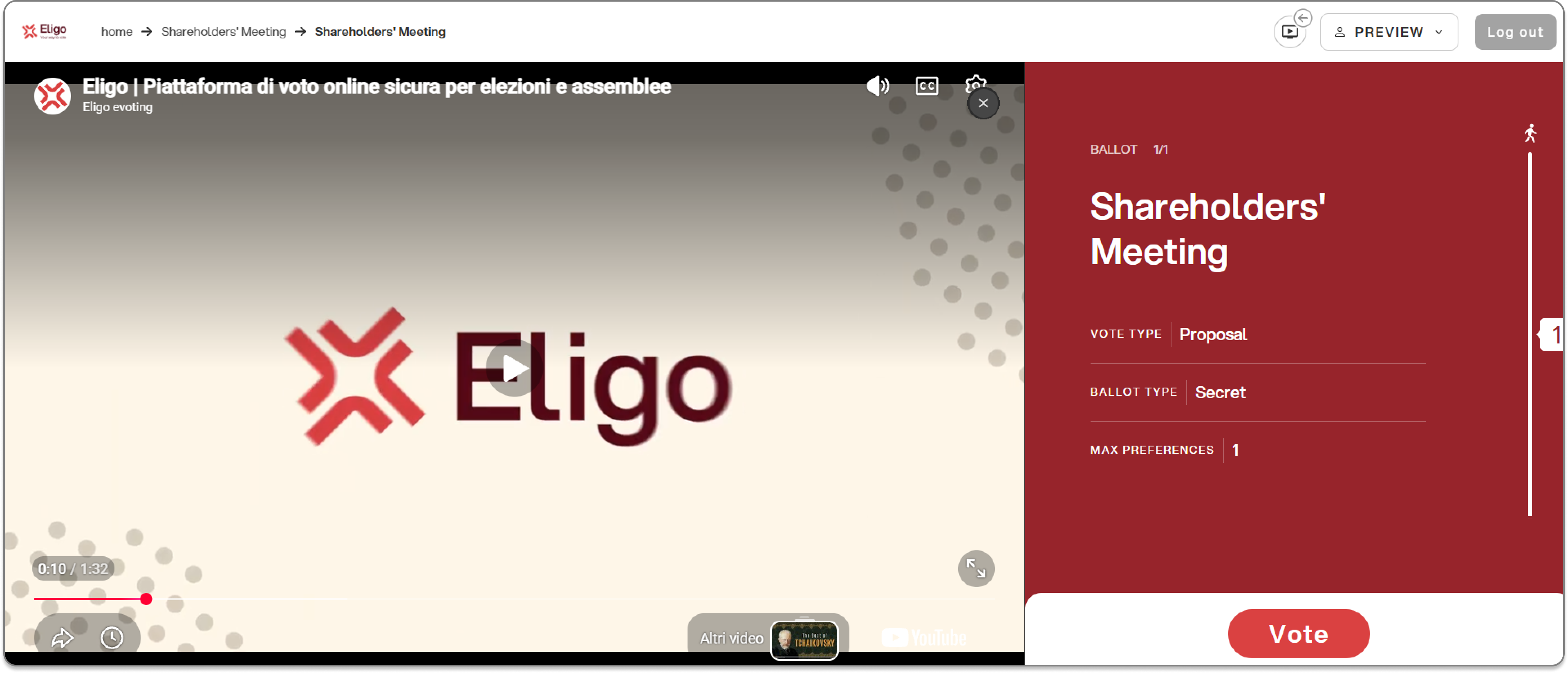
In addition to the external-link-only mode, it is possible to embed the video conference stream (in an iframe) directly into the Eligo interface: participants will thus be able to follow the live broadcast and vote on the same screen, without having to open another browser window.
Creating an assembly event
Select the “create event” option from the dashboard of the voting area, as for a regular election event.

A screen will open with step-by-step guidance through the creation of the event:
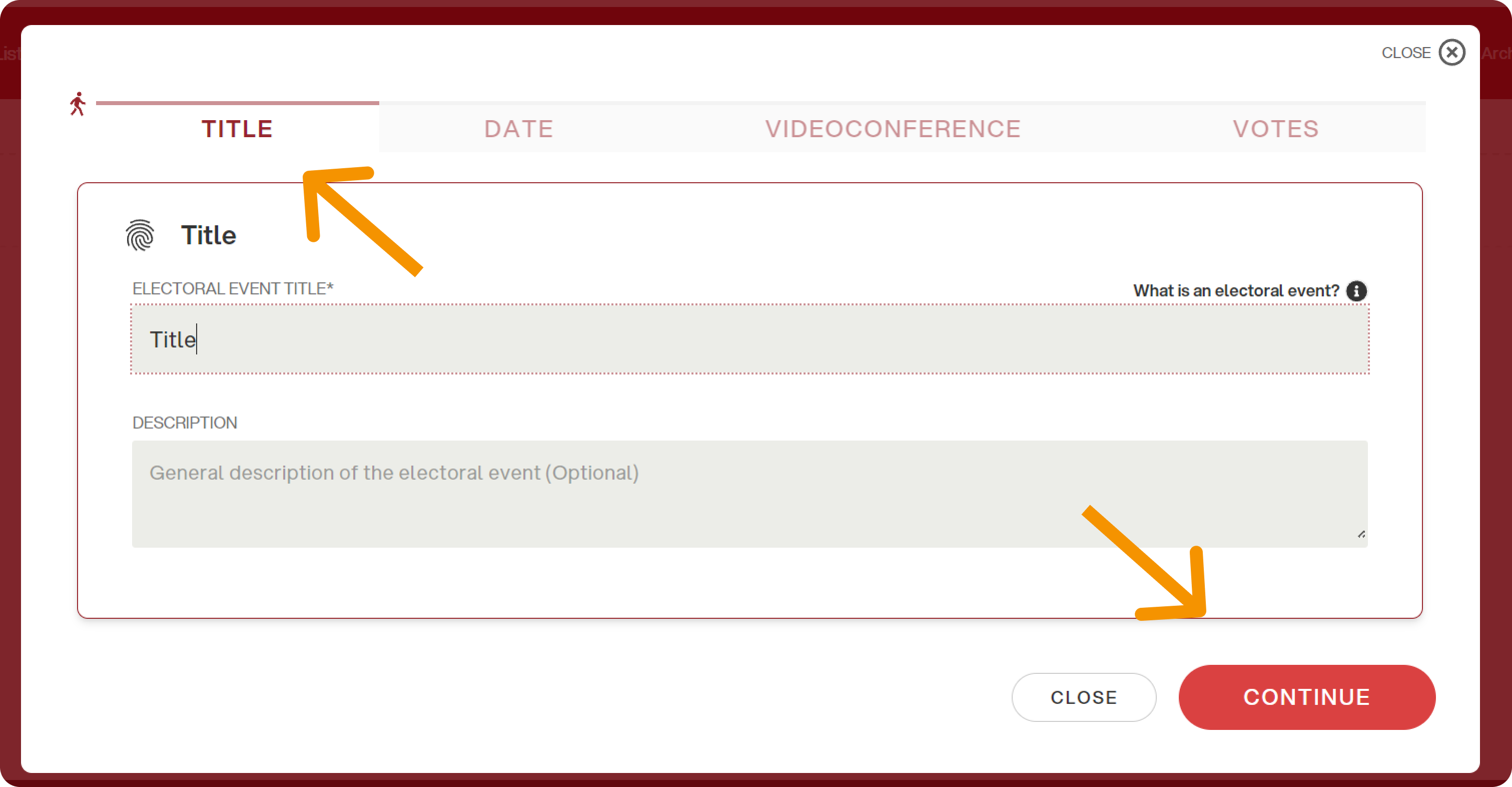
1. Event title
Enter the title of the assembly event and a subtitle if needed (optional), then click “continue”:
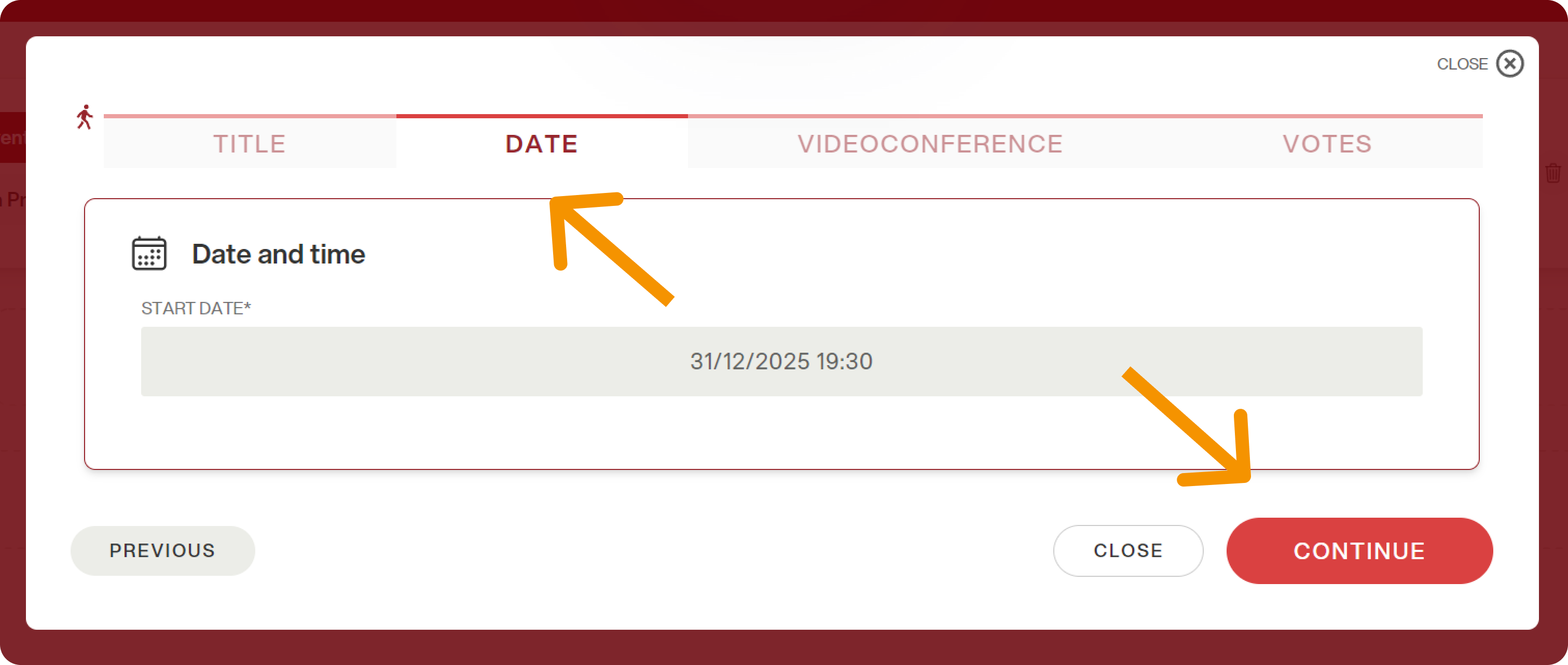
2. Date and time
Enter the event start date and time. In this case there is no end date, since events of this type tend to have an undefined end time that depends on how the event unfolds (e.g. discussion of agenda items, motions, spontaneous nominations).
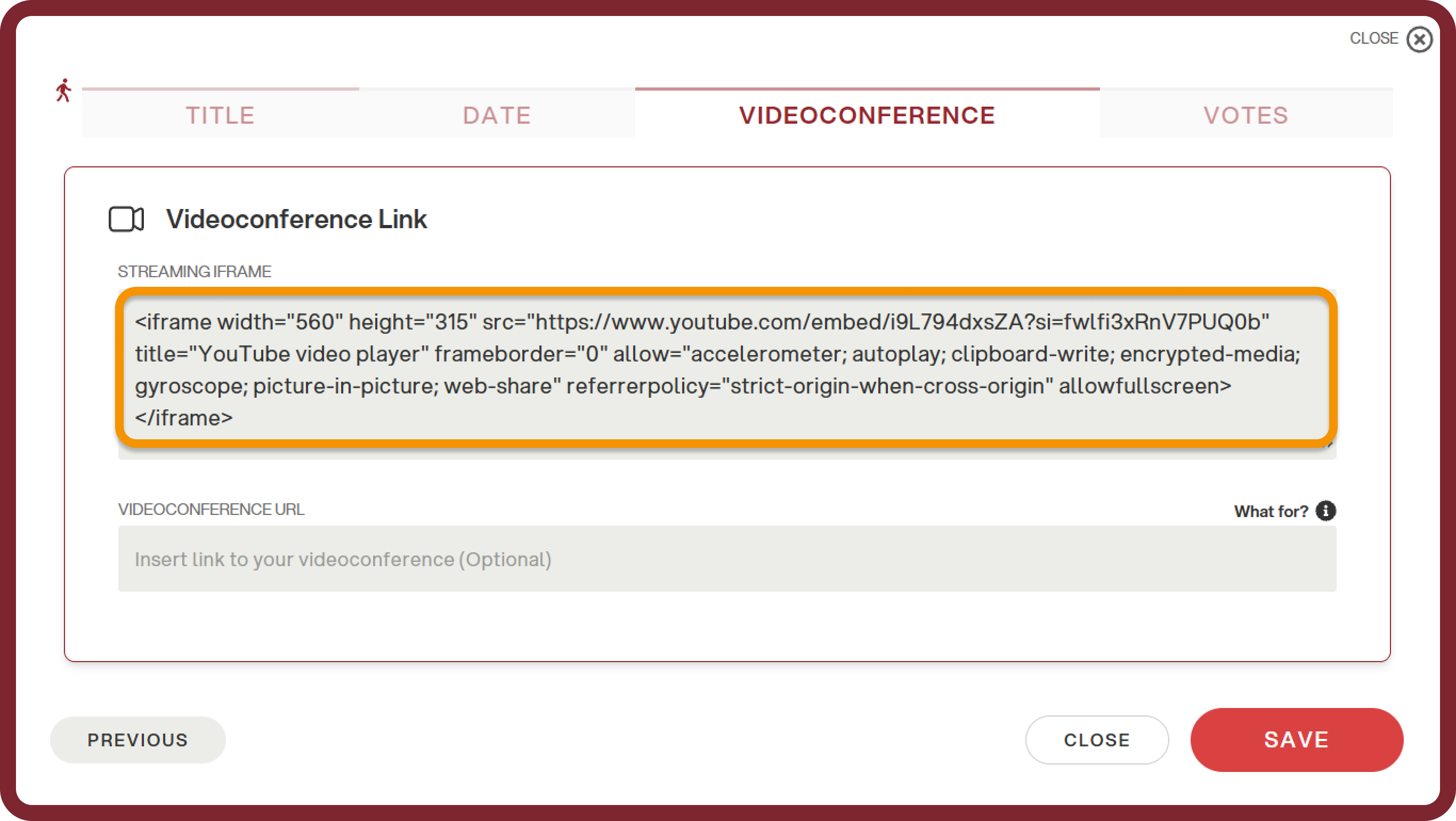
3. Video conference: iframe streaming
Two fields are available in the “Video conference” section:
-
IFRAME STREAMING: enter here the URL of the stream (e.g. YouTube or Vimeo embed link, etc.) to be embedded directly into the voting interface. This way, participants will see the video integrated into the screen, without having to click any button to access it.
-
VIDEO CONFERENCE URL (not required): if filled in, participants will see the “Join video conference” button, which will open the call in a separate window. Since the iframe is a specific module, this field should be left empty.
Then click “SAVE”.
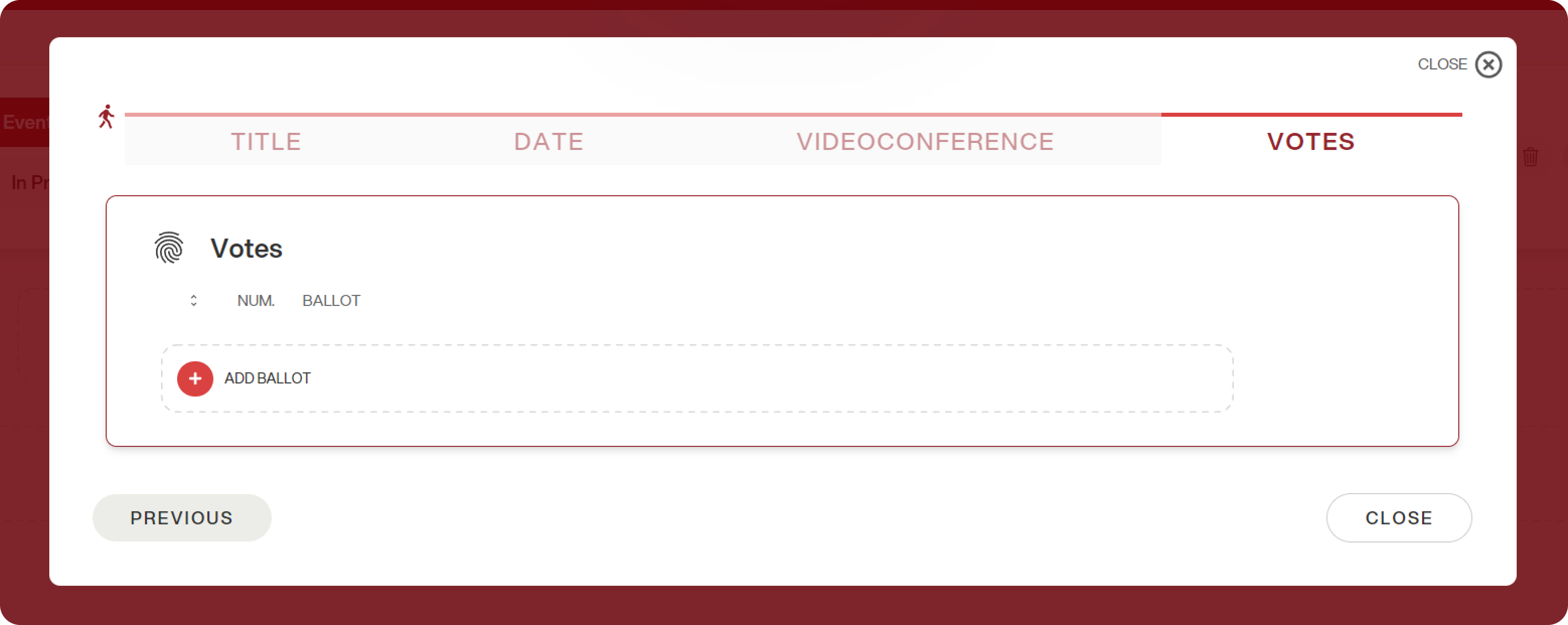
4. Adding ballots
Finally, add the ballots following the same procedure as for an election event.
What the voter sees
Once the event has started, participants will see:
- On the left, the stream embedded via iframe, playing directly on the page;
- At the bottom right, the “Vote” button to access the votes.
This way, voters can follow the live broadcast and vote without leaving the platform.