![eligo_logo-bicolor-1.png]](https://support.eligo.social/hs-fs/hubfs/eligo_logo-bicolor-1.png?height=38&name=eligo_logo-bicolor-1.png)
To add a new electoral event, simply click the “+ Create event” button from the tenant dashboard:
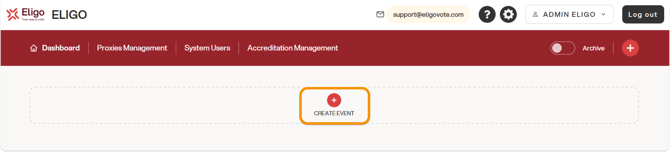
A wizard window for creating the event will open.
1. TITLE
The first section must be filled in with the title of the electoral event (required) and a description (optional).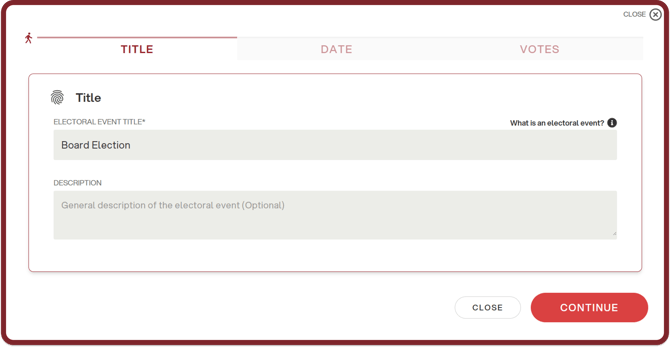
To proceed, click “Continue”.
2. DATE
In the next section, enter the start date and time and the end date and time of the electoral event.
These fields are mandatory and the start date cannot be earlier than the current date, and the end date cannot be earlier than the start date. The date field can be filled in manually or by clicking the calendar icon.
If the dedicated module has been enabled, you can also choose whether to open voting in manual mode - therefore opening voting manually - or in automatic mode. In the latter case, voting will open automatically at the selected time, but it will still be possible to manually control the opening and closing operations.
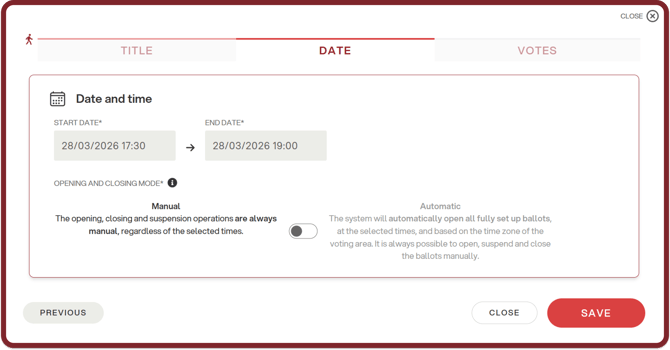
To confirm the main information of the electoral event and proceed with the creation of the related ballots, click “Save”. A pop-up will appear confirming that the event has been successfully created.
3. BALLOTS
You can add ballots immediately after creating the electoral event, in the third section of the window, by clicking “+ Add ballot” and following the wizard.
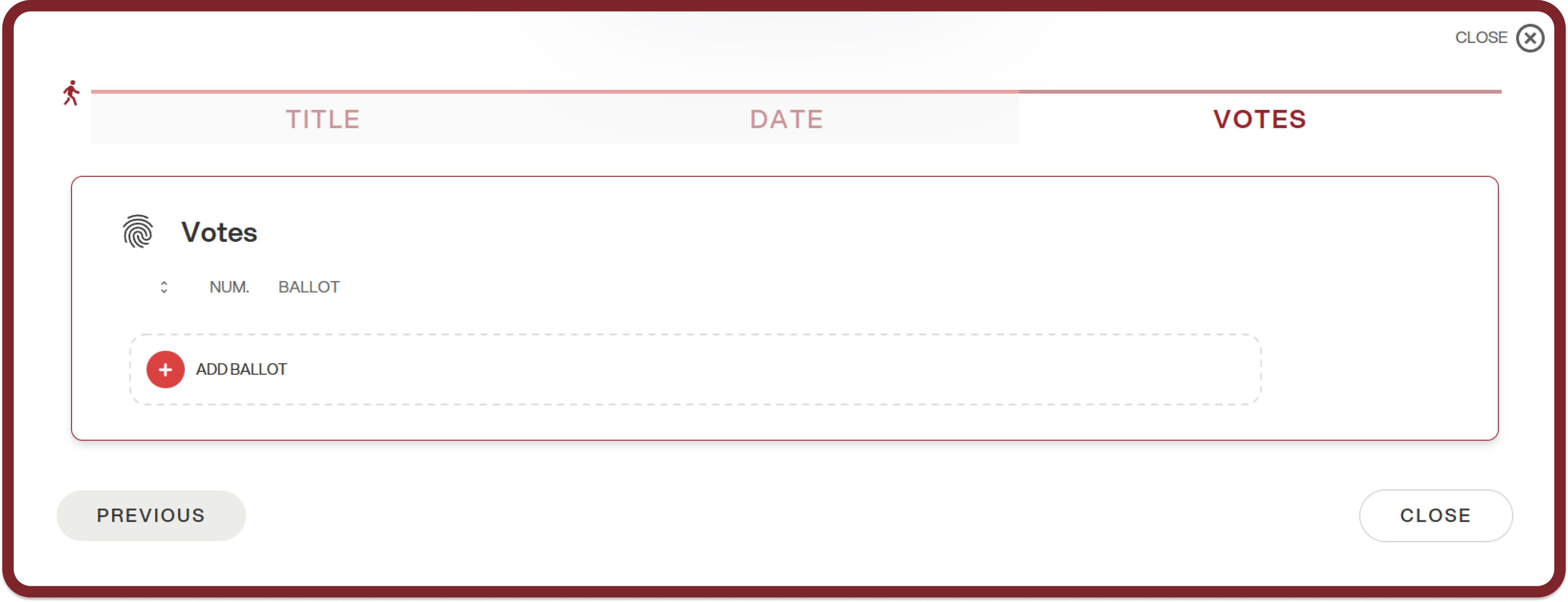
Alternatively, you can return to the dashboard and add ballots at a later stage.
To do this, click “Close”.
At this point, the event will be visible in the tenant dashboard.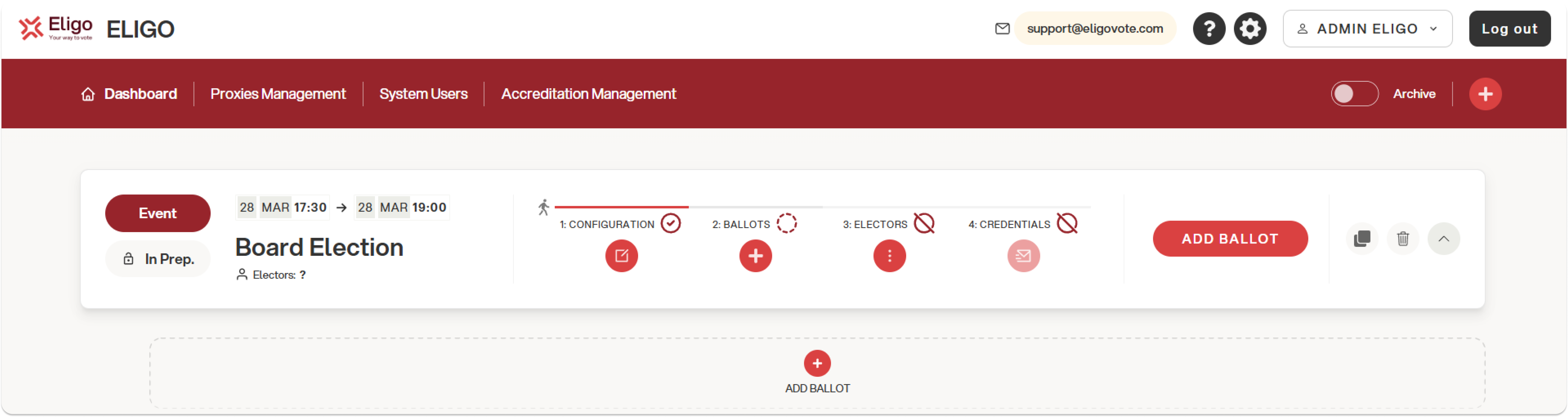
Note: once created, it is possible to edit the event configuration by clicking the “1: Configuration” button or delete an electoral event up until the credentials are sent.