![eligo_logo-bicolor-1.png]](https://support.eligo.social/hs-fs/hubfs/eligo_logo-bicolor-1.png?height=38&name=eligo_logo-bicolor-1.png)
If the assembly module is active, after the event has been validated, the “Dashboard” button will appear.
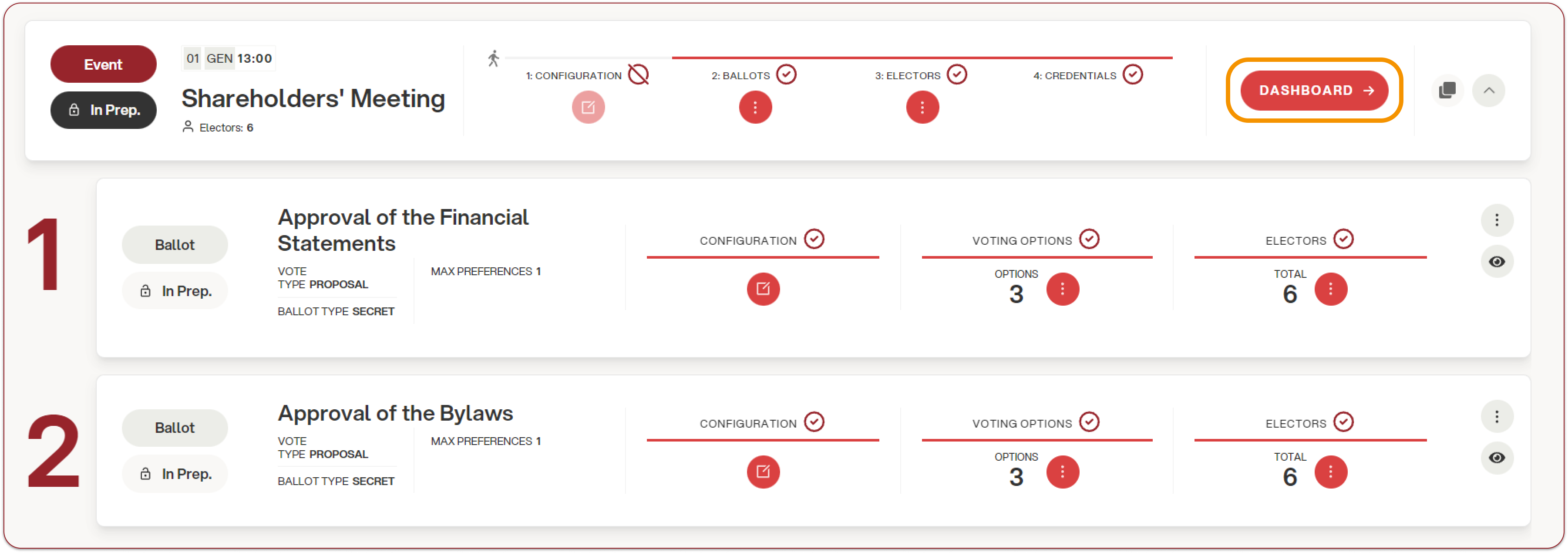
Through the dashboard, it is possible to manage and monitor online attendance.
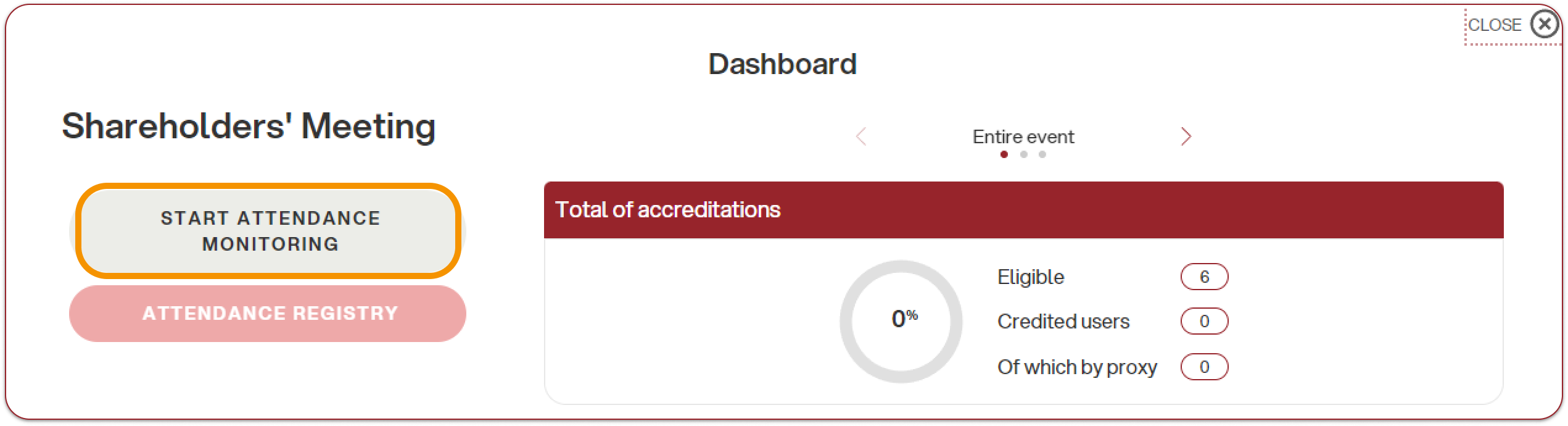
“Start attendance monitoring”: this button allows you to start tracking connected users. From this moment on, every time a user logs in and is present in the event, the counter will be updated with the number of participants online and the related proxies.
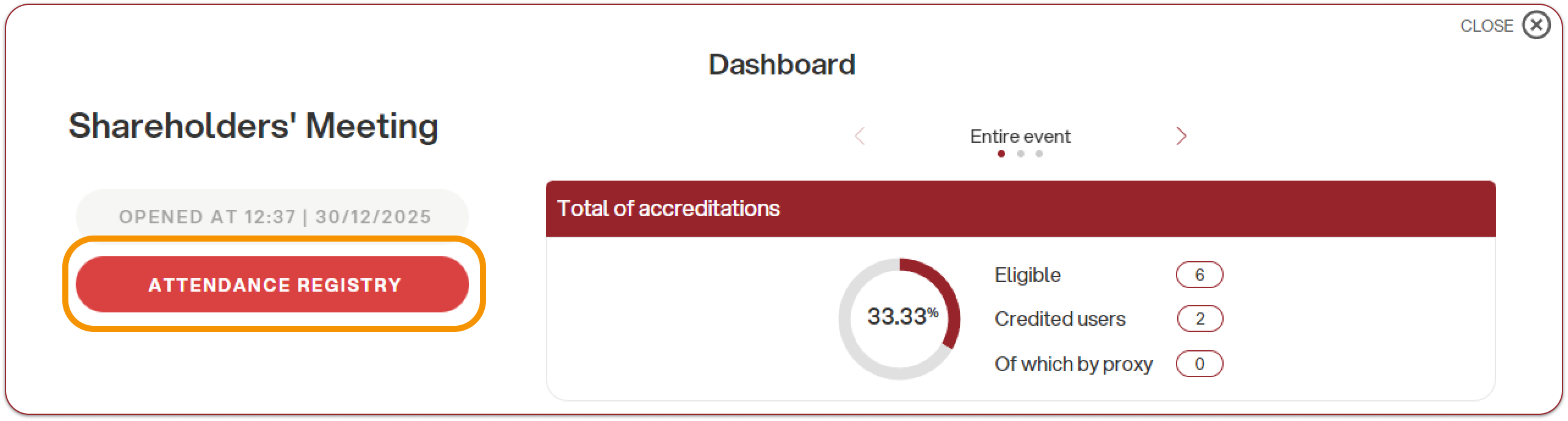
At this point, the attendance monitoring start time will be displayed, and it will be possible to view the counter both for the entire event and for individual voting ballots. This feature is particularly useful when the lists of voters differ between ballots or when weighted voting is enabled.
“Attendance registry”: here it is possible to download an Excel file containing the list of attendees and the related information.
