![eligo_logo-bicolor-1.png]](https://support.eligo.social/hs-fs/hubfs/eligo_logo-bicolor-1.png?height=38&name=eligo_logo-bicolor-1.png)
The assembly module is useful for online or hybrid events where it is necessary to monitor participant access for the purpose of verifying a constitutive quorum. It can be used for assemblies, councils, or conferences.
Creating an assembly event
From the dashboard of your voting area, select “Create event”, as you would for a standard electoral event.

A step-by-step screen will guide you through the event creation process:
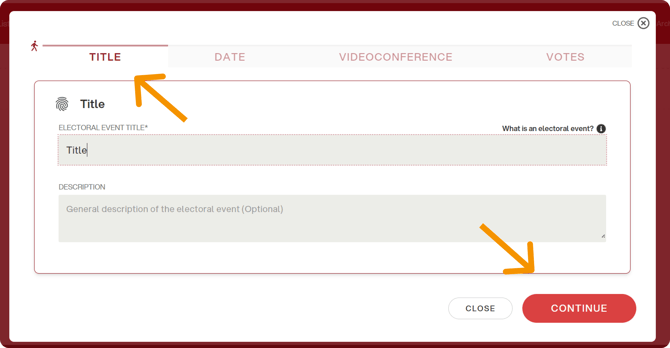
1. Event title
Enter the title of the assembly event and, if needed, a subtitle (optional), then click “Continue”.
2. Date and time
Enter the event start date and time.
In this case, no end date is required, as this type of event usually does not have a predefined end time and instead follows the natural progression of the meeting (e.g. agenda discussions, motions, spontaneous candidacies).

3. Videoconference link
You can enter a videoconference link to allow participants to join directly after logging in to Eligo.
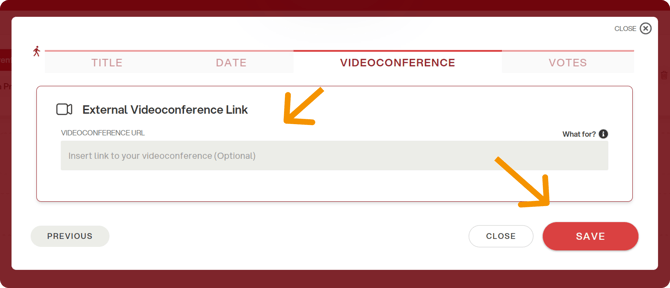
Please note: the videoconference will not be embedded in the platform, but will open in a separate browser window.
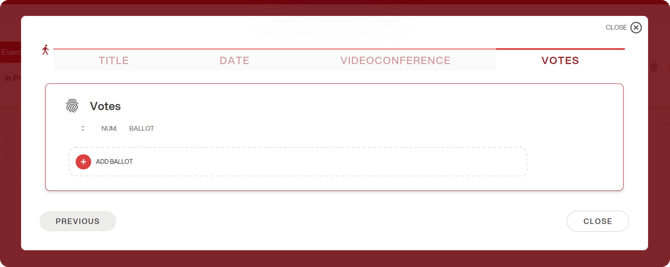
4. Adding voting ballots
Finally, add the voting ballots by following the same procedure used for a standard electoral event.